Free trial
Find your creative flow.
$0 to get started
Try the studio before choosing your plan.
- Screen and camera recording
- Explore the editing timeline
- Try Motion Studio
- 5 free exports
Record a polished Product Hunt launch video in minutes. Auto zoom, cursor tracking, and AI background removal — no video editor or motion designer needed.
Create a Product Hunt video that stands out from the crowd.
Smart zoom automatically magnifies clicks and UI interactions. Your Product Hunt audience sees exactly what matters — no manual editing needed.
Present your product on camera with a clean, professional background. No green screen, no studio — just you and your product.
Your webcam overlay follows the cursor, keeping you near the action. Viewers feel like they are getting a personal walkthrough.
Capture your product's sound effects, notifications, and UI audio alongside your narration. Native ScreenCaptureKit — no plugins required.
Trim the intro, cut mistakes, tighten pacing. Get your launch video to the perfect length without re-recording from scratch.
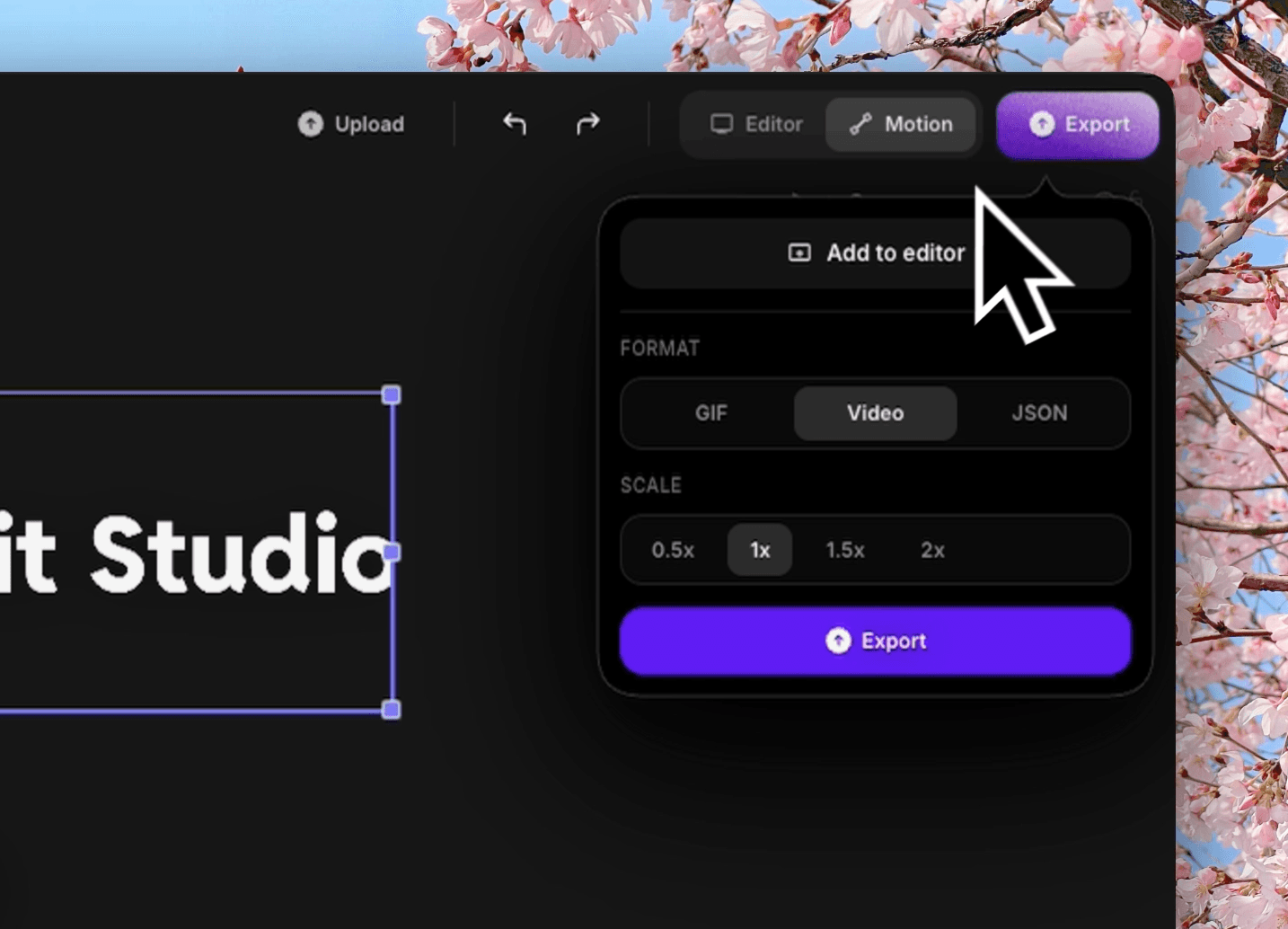
Export in 4K or 1080p with optimized compression. Your video looks sharp on Product Hunt, Twitter, and your landing page.
Product Hunt posts with a demo video get significantly more upvotes and engagement. A clear, well-produced video shows your product in action and builds immediate trust with the community.
Most founders spend days on their launch video. With Creavit Studio, you can record, edit, and export a professional demo in a single sitting.
Start for free. Pay monthly, save with a year, or make it yours for life.
One app for recording, editing, motion, and AI.
Find your creative flow.
Try the studio before choosing your plan.
Monthly Plan
Billed monthly. Cancel anytime.
Best value. Pay yearly and save.
Works out to $4.16/month, billed yearly. Cancel anytime.
Lifetime Plan
One-time payment. Lifetime access, no subscription.
One license. Up to five Macs. 14-day money-back guarantee.

Download Creavit Studio and create a launch video that converts. Free trial — no credit card required.
Common questions about Product Hunt launch videos.
Open Creavit Studio, select your app window, enable webcam with background removal, and click Record. Walk through your key features — auto zoom will highlight each interaction. Trim in the editor, export, and upload to your Product Hunt post.
60-90 seconds is ideal. Show the core value proposition and 2-3 key features. Creavit Studio's timeline editor makes it easy to cut a longer recording down to the perfect length.
AI generators create generic animations from screenshots. Creavit Studio records your actual product in use — real interactions, real UI, real audio. Product Hunt voters can tell the difference. Authentic demos build more trust.
Yes. Use GIF and image overlays to add your logo, brand colors, or callout graphics. Position them anywhere on the canvas with custom timing.
Product Hunt accepts MP4 videos. Export in 1080p or 4K with H.264 encoding for the best quality-to-size ratio. Creavit Studio includes optimized presets for web upload.