01
Content creators
Build tutorials, walkthroughs, and launch clips where the cursor, camera, and screen all support the same beat.
- YouTube tutorials
- Product walkthroughs
- Launch and social clips
- Course lessons
Built for work worth showing
Choose your starting point
Build tutorials, walkthroughs, and launch clips where the cursor, camera, and screen all support the same beat.
Keep lessons readable with deliberate zoom, clear cursor emphasis, and a presenter layout that does not cover the material.
Record code and product behavior, then use zoom, privacy masks, and timeline cuts to make a technical flow easy to reproduce.
Turn real product interactions into focused demos with camera layouts, motion, branded framing, and a timeline the team can revisit.
Show the process without flattening it. Reframe the canvas, add context, and keep the final presentation as considered as the work.
Explain a decision, process, or proposal with a concise local recording instead of another meeting or a raw screen dump.
In their own words
 Cihan Okyay@cihanokyay_
Content creation just got easier with Creavit Studio. I've been using it and it's a truly solid tool. If you record screens or make tutorials, check it out.
 Erdem Köse@erdemkose
I may have found the best tool to record my screen. With Creavit Studio, my recordings feel more like an actual user experience.
 İsmail Karaalioğlu@ismailldev
Just tried Creavit Studio, a macOS screen recorder that nails design and speed. Pro-looking videos in minutes.
Start for free. Pay monthly, save with a year, or make it yours for life.
One app for recording, editing, motion, and AI.
Find your creative flow.
Try the studio before choosing your plan.
Monthly Plan
Billed monthly. Cancel anytime.
Best value. Pay yearly and save.
Works out to $4.16/month, billed yearly. Cancel anytime.
Lifetime Plan
One-time payment. Lifetime access, no subscription.
One license. Up to five Macs. 14-day money-back guarantee.
Record your screen, shape the story, and bring it to life. Your entire creative studio, right on your Mac.
Everything about pricing, licensing, updates, and system requirements in one place.
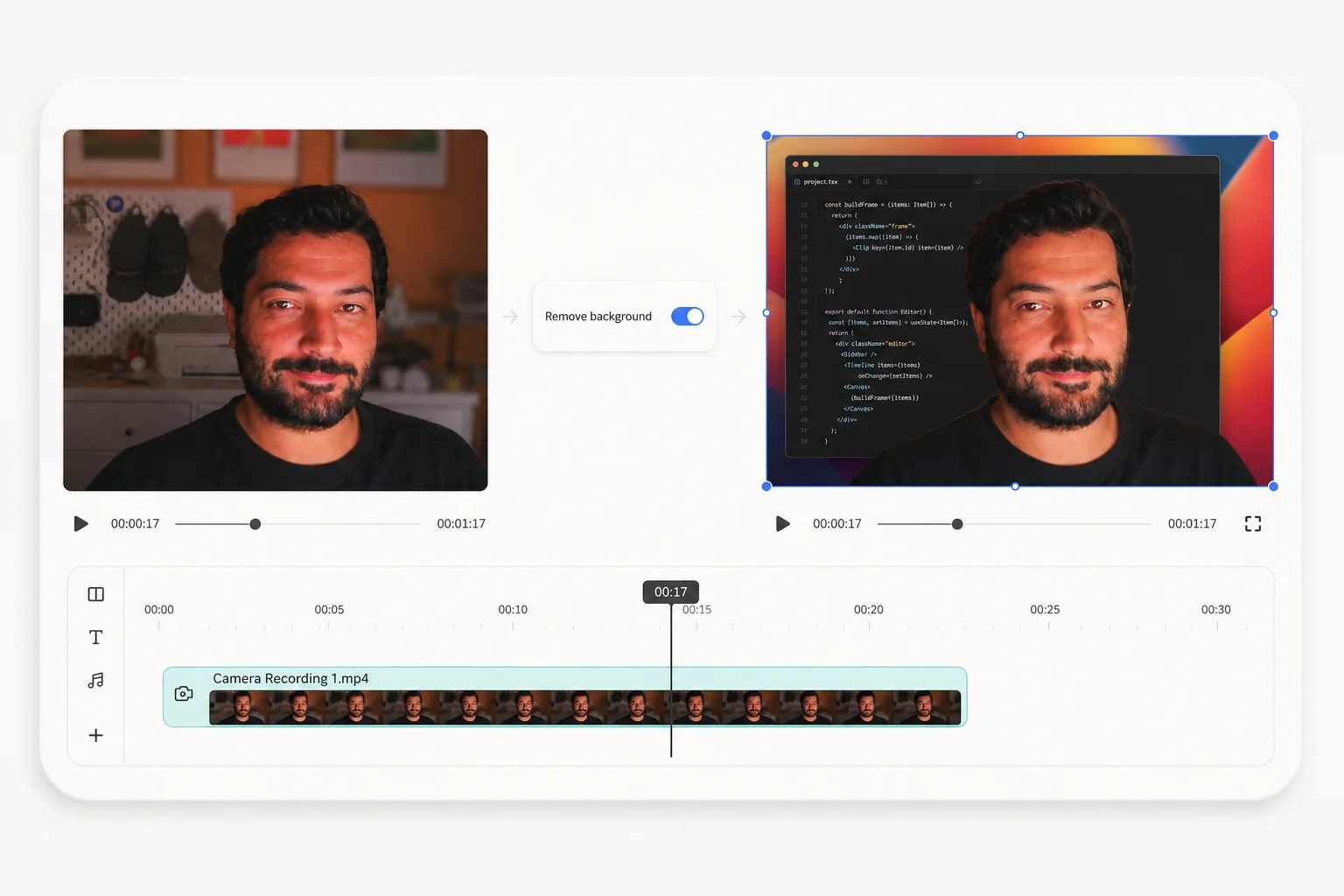
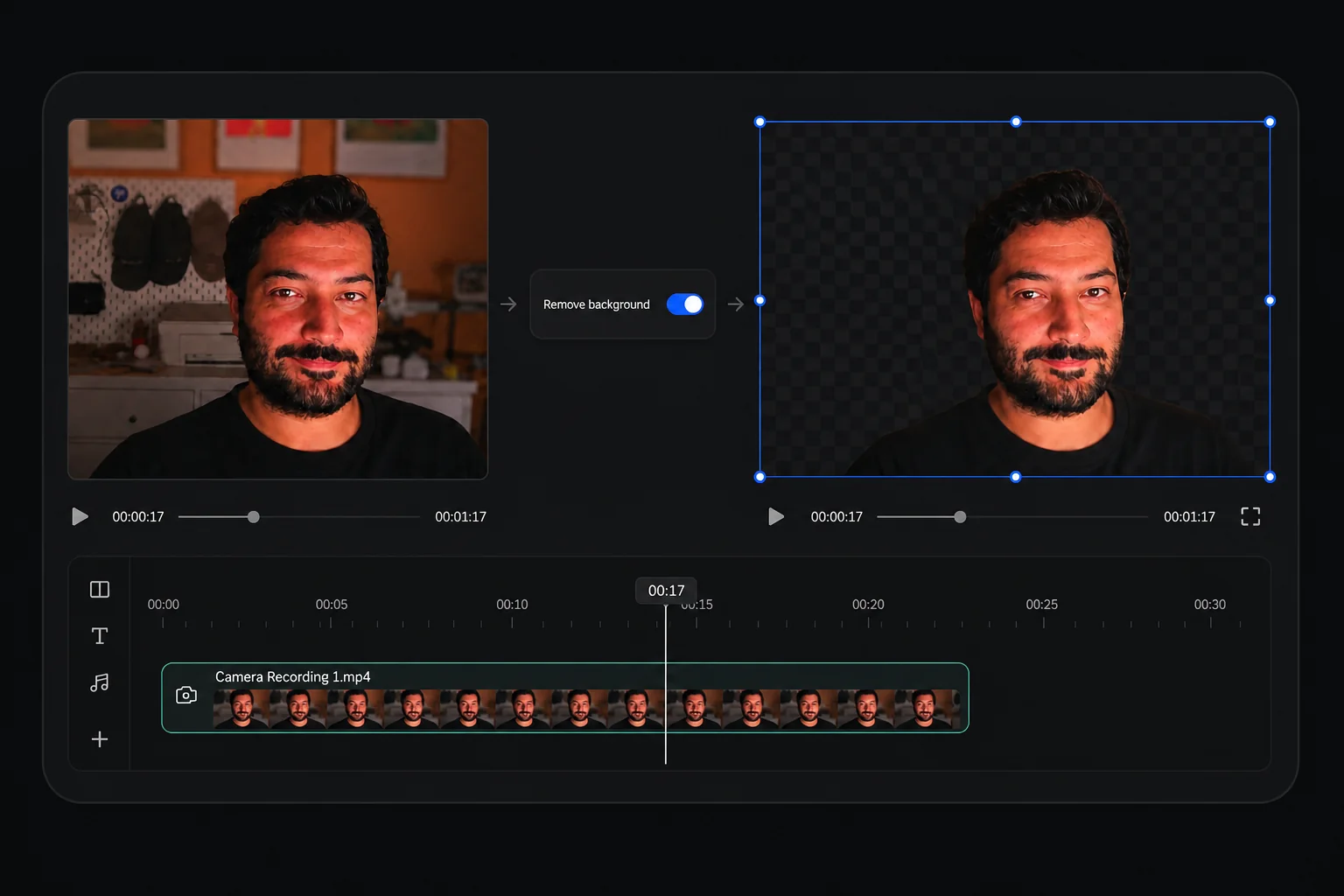
Creavit Studio uses native screen recording APIs for high-quality captures with system audio, enables perspective and cinematic clip effects, lets you remove backgrounds from camera video after recording, and combines auto smart zoom, cursor styling, timeline editing, and export—all in one streamlined macOS app. No need for separate tools from capture to polished video.
Yes. The lifetime plan can be used on up to 5 compatible Mac devices tied to the same license.
Yes. You can download the current macOS build today, try the app without signing up, and try 5 free exports, and upgrade for unlimited exports.
Yes. The editor has a built-in Agent panel that runs the Claude Code or Codex CLI already installed on your Mac, and the app ships an open MCP server (creavit-studio-mcp) so Claude Code, Codex, Cursor, or any MCP client can drive it from your terminal. Adding it takes one command (claude mcp add creavit-studio -- npx -y creavit-studio-mcp), then you can ask for zooms, cuts, privacy masks, motion scenes, recordings, or an export. The MCP bridge runs locally on your Mac. The connected AI provider handles any context you choose to send according to its own settings.
Your recordings stay on your Mac. Creavit Studio does not depend on uploading projects to the cloud to let you record, edit, or export.
The roadmap focuses on deeper editing workflows, more AI-assisted production tools, and broader export and content-format options while keeping the app lean and fast.
Creavit Studio is available for Apple Silicon and Intel Macs. Choose the matching build on the download page.
If you have an active Paddle billing relationship, you can manage invoices and billing details through the customer portal. Lifetime purchases do not require an ongoing subscription to keep using the app.