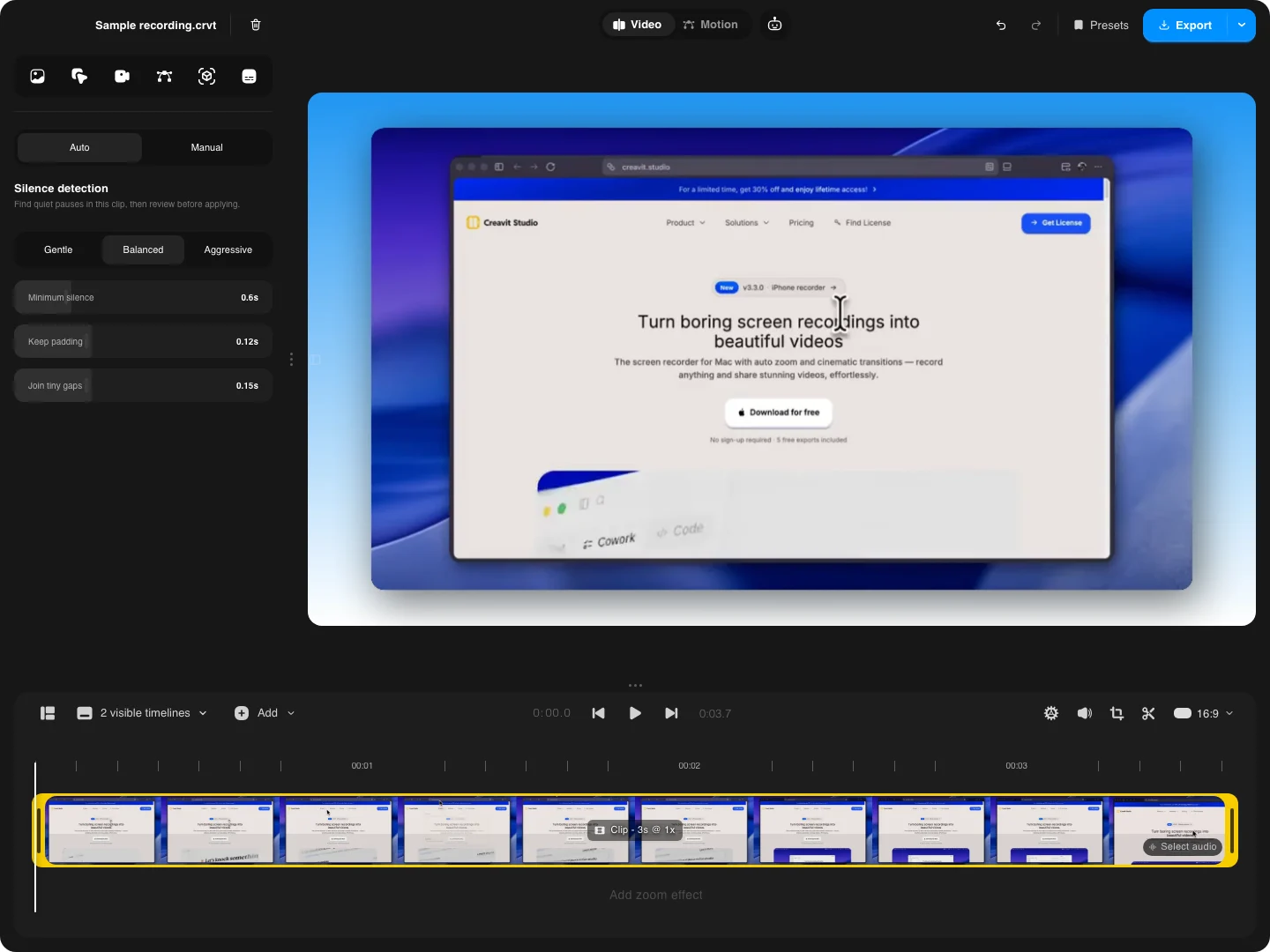
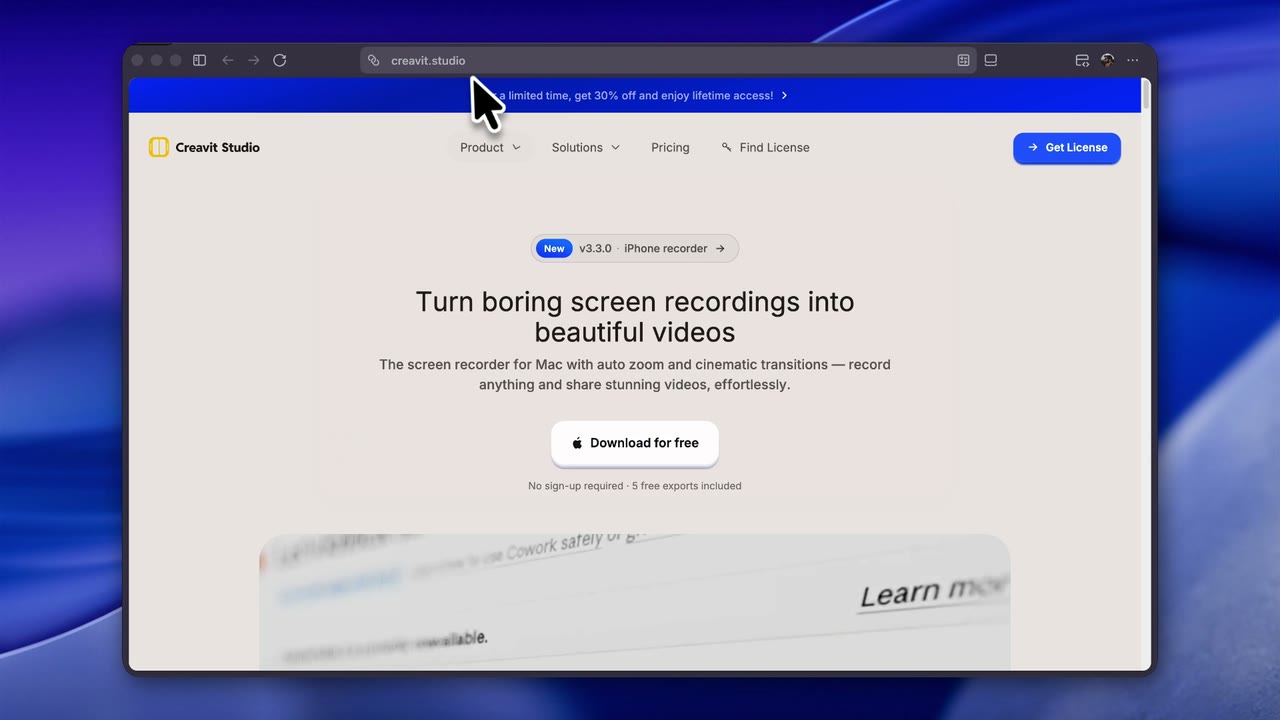
Can I turn a screen recording into a polished video automatically?+
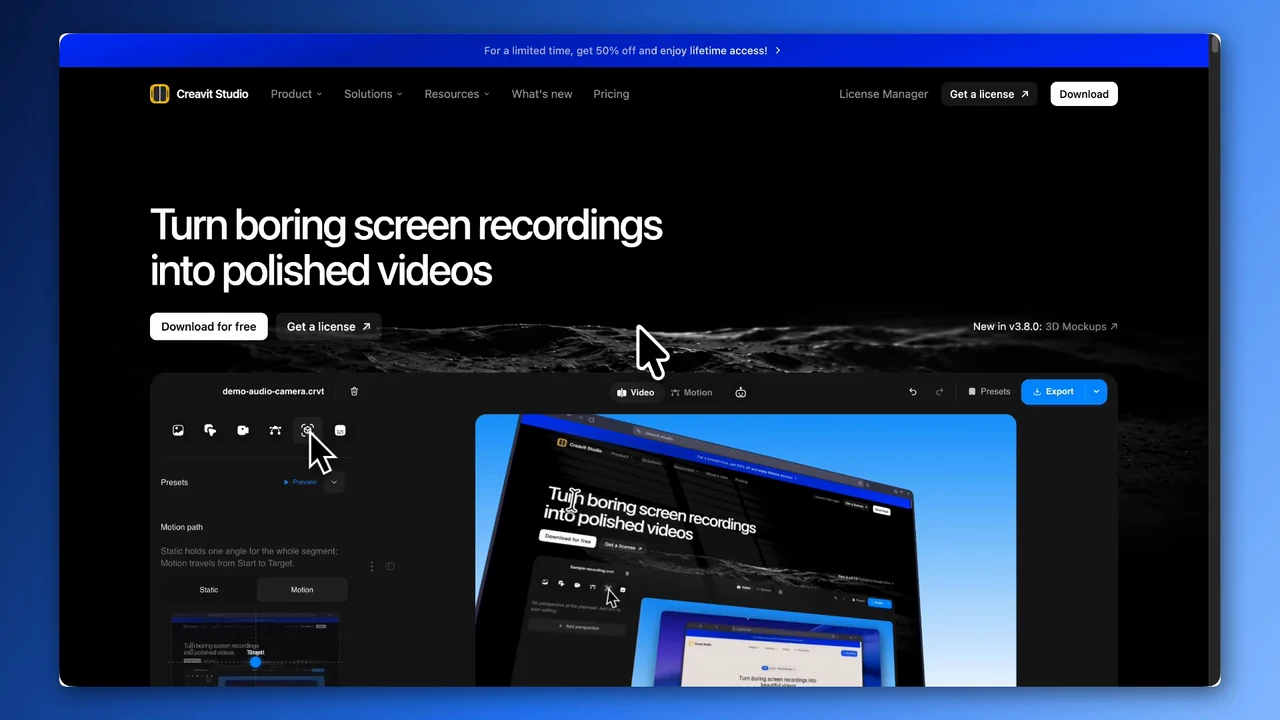
Yes. Creavit Studio adds automatic zooms and smooth cursor movement to your screen recordings. Choose a background and framing, then refine the result on the timeline or ask the built-in AI chat to make edits. Your video stays editable.
Can I export screen recordings in 4K at 60 fps?+
Yes. Export MP4 videos in up to 4K at 60 fps for product demos, tutorials and launch videos. Choose the resolution and frame rate in the export settings.
How does Creavit Studio differ from other screen recording applications?+
Creavit Studio uses native screen recording APIs for high-quality captures with system audio, enables perspective and cinematic clip effects, lets you remove backgrounds from camera video after recording, and combines auto smart zoom, cursor styling, timeline editing, and export—all in one streamlined macOS app. No need for separate tools from capture to polished video.
Can I use it on multiple devices?+
Yes. The lifetime plan can be used on up to 5 compatible Mac devices tied to the same license.
Is Creavit Studio available now?+
Yes. You can download the current macOS build today, try the app without signing up, and try 5 free exports, and upgrade for unlimited exports.
Can an AI agent control Creavit Studio?+
Yes. The editor has a built-in Agent panel that runs the Claude Code or Codex CLI already installed on your Mac, and the app ships an open MCP server (creavit-studio-mcp) so Claude Code, Codex, Cursor, or any MCP client can drive it from your terminal. Adding it takes one command (claude mcp add creavit-studio -- npx -y creavit-studio-mcp), then you can ask for zooms, cuts, privacy masks, motion scenes, recordings, or an export. The MCP bridge runs locally on your Mac. The connected AI provider handles any context you choose to send according to its own settings.
How is privacy handled in Creavit Studio?+
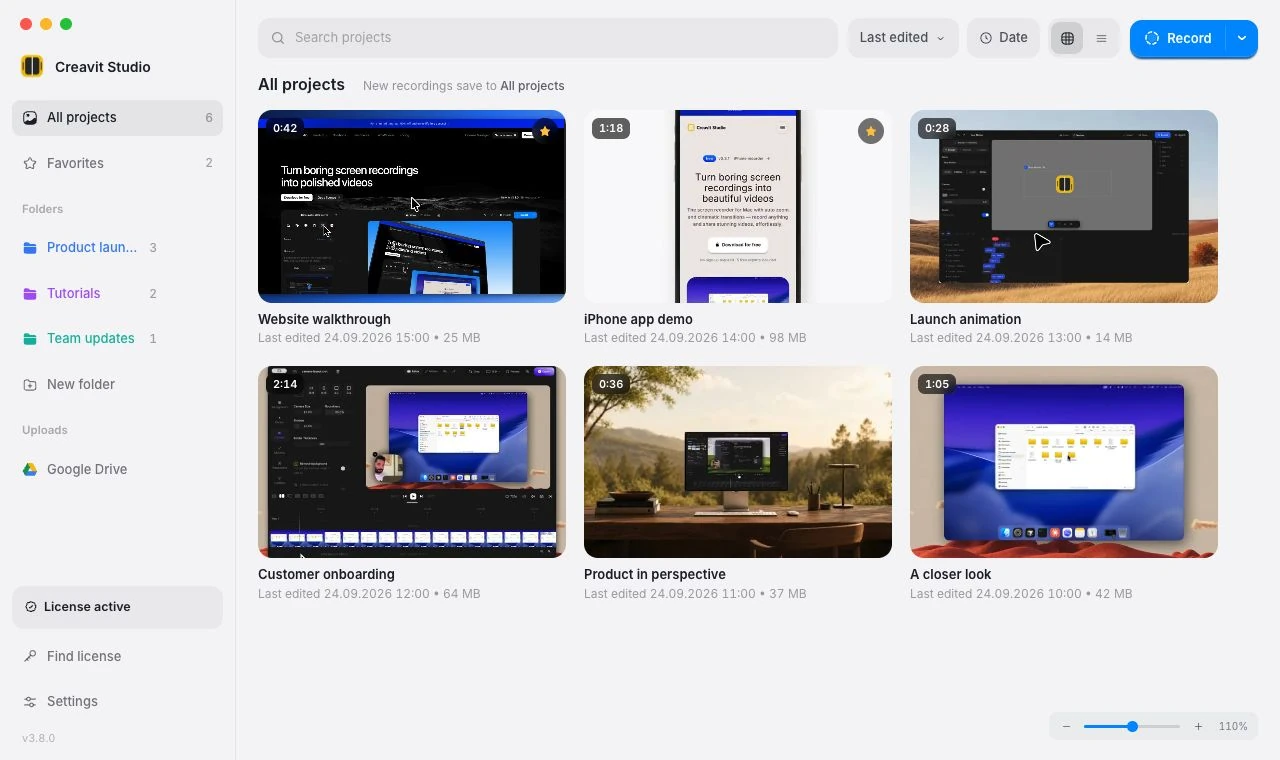
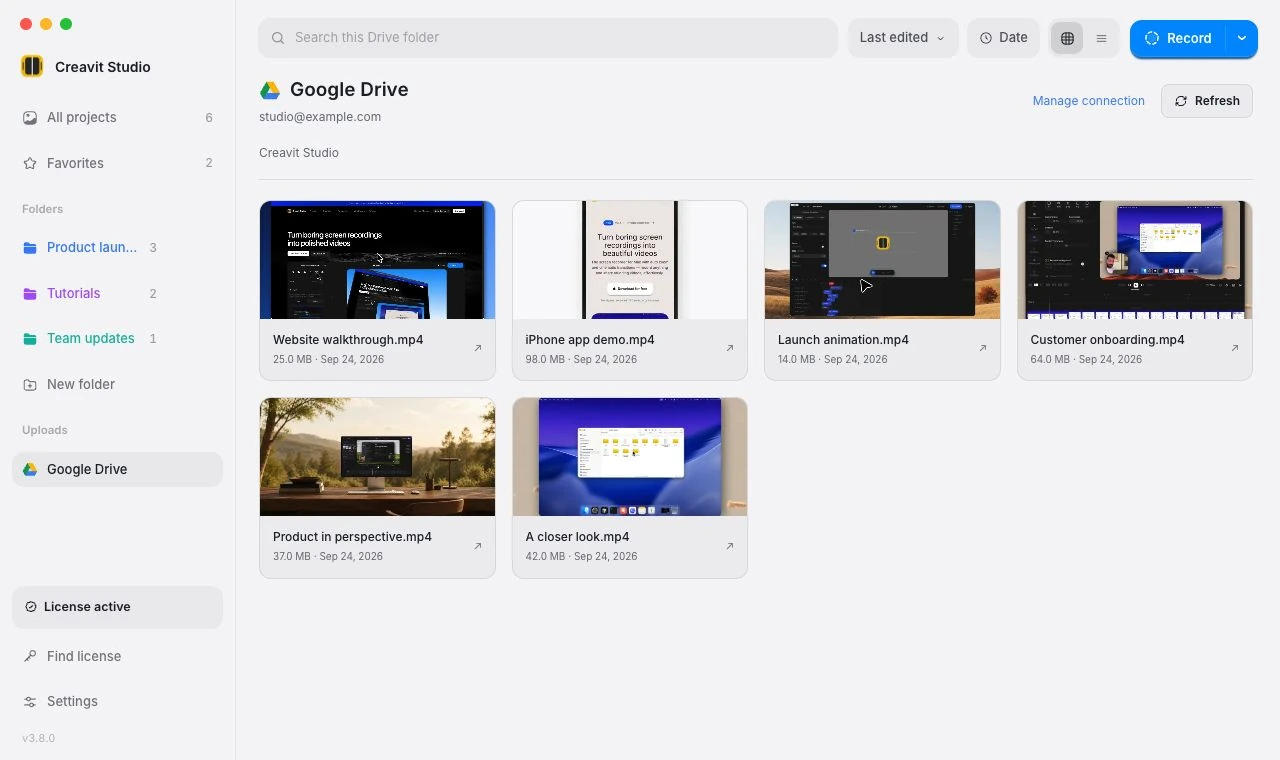
Your recordings stay on your Mac. Creavit Studio does not depend on uploading projects to the cloud to let you record, edit, or export.
What features will be added in the future?+
The roadmap focuses on deeper editing workflows, more AI-assisted production tools, and broader export and content-format options while keeping the app lean and fast.
What macOS version is required?+
Creavit Studio is available for Apple Silicon and Intel Macs. Choose the matching build on the download page.
Where can I manage my subscription?+
If you have an active Paddle billing relationship, you can manage invoices and billing details through the customer portal. Lifetime purchases do not require an ongoing subscription to keep using the app.