Before you switch from ScreenFlow
ScreenFlow remains a capable Mac screen recorder and editor. Telestream documents screen, camera, and iOS device recording; a multi-track timeline; titles; annotations; and export options in its product guide. If those tools serve your projects, there is no reason to change just because another app is newer.
This comparison is published by Creavit Studio and was reviewed against the linked product documentation on September 24, 2026. It is a workflow guide, not an independent performance benchmark. Check current macOS compatibility and pricing before moving an established project.
| Your priority | Consider | Check first |
| A traditional multi-track edit with varied media | ScreenFlow | Does your current version support your macOS release? |
| A designed product demo in one local Mac project | Creavit Studio | Does its editing workflow fit your existing projects? |
| Automatic zoom and cursor polish | Screen Studio | Do you need deeper edits after capture? |
| Open-source recording with local editing or hosted links | Cap | Which mode and plan cover your workflow? |
Where Creavit Studio fits
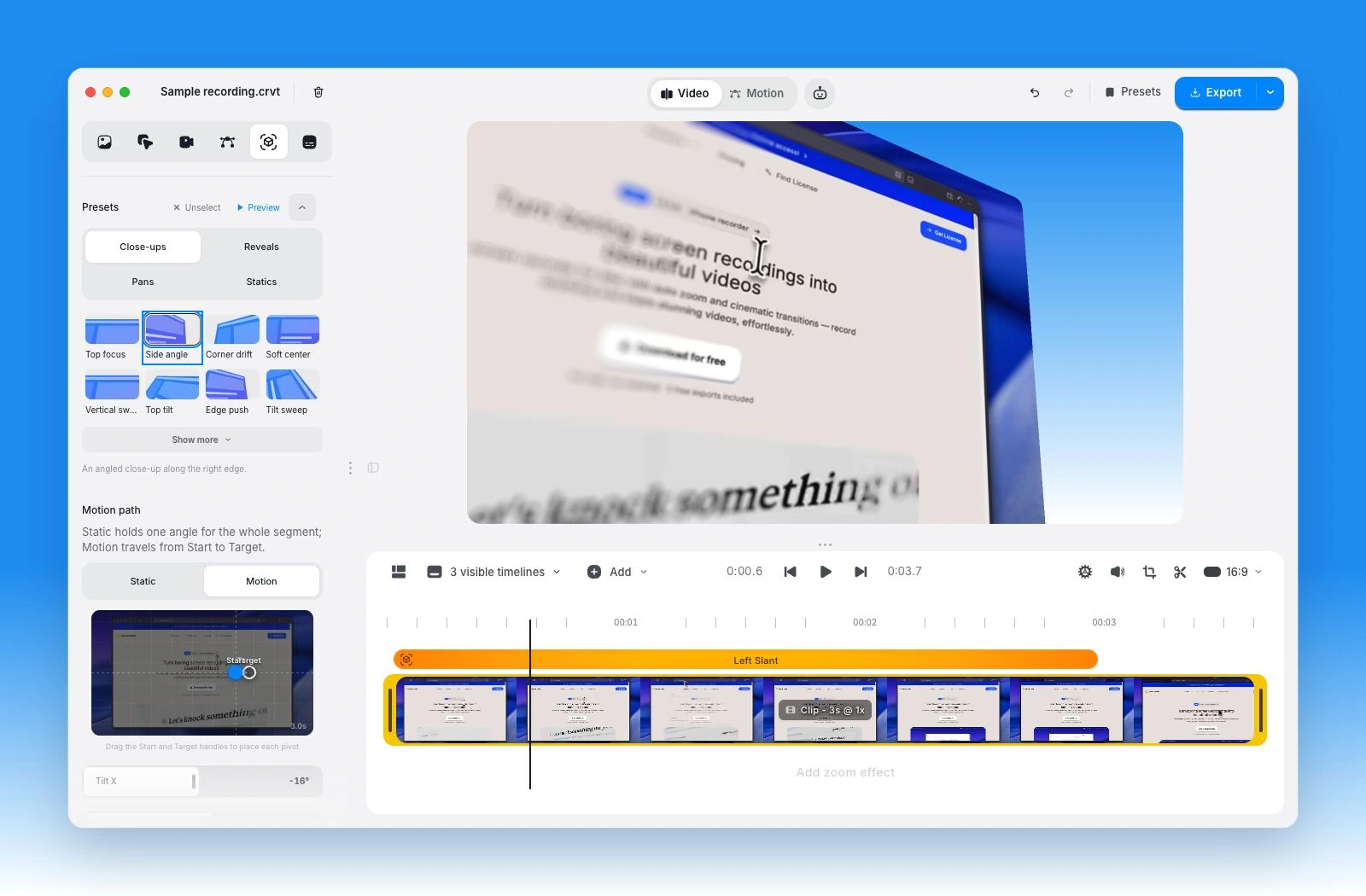
Creavit Studio records a Mac display, window, area, or USB-connected iPhone. The screen, camera, and audio can be edited on a timeline with click-aware zoom, cursor styling, camera layouts, background removal, text, and media layers. It is a useful ScreenFlow alternative when most of your work is a product tutorial or demo and you want those screen-specific controls close to the recording.
Creavit also records an iPhone directly on Mac, so mobile demos are a valid reason to compare both apps. The iPhone recording guide shows the cable, trust, capture, and editing steps. Capture and editing are local; export the result to a file or choose the available Google Drive destination. Current plan details are on pricing.
Consider Creavit when: cursor and zoom presentation, camera treatment, or designed canvas layouts are central to your finished video. Keep ScreenFlow on your shortlist when: you rely on its familiar timeline, media library, or an established project workflow. A rendered video can move between editors, but editable project formats generally do not transfer feature for feature.
Other alternatives worth testing
Screen Studio is built around visual polish for screen recordings. Its auto zoom guide describes click-based and manual zoom options. Compare the actual timeline and export controls you need with ScreenFlow's broader editing model.
Cap has a local Studio Mode with an editable timeline, zoom, cursor effects, and captions. Its separate Instant Mode is designed for quick hosted sharing. This makes Cap worth testing if you want both recording modes or value its open-source availability. Check Cap's current license and hosted plan before assuming every workflow is free.
For live production, OBS Studio is another route, but its scene mixer and recording output are a different workflow from ScreenFlow's post-recording editor. Budget for an editing app if your video needs a detailed cut.
Try a short project before moving
Record and edit the same one-minute lesson in ScreenFlow and one alternative. Include a screen capture, narration, a camera or iPhone source if you use one, one deliberate mistake, one zoom, and a final export. Compare how long it takes to revise the project a second time. Keep your original ScreenFlow project until the replacement has passed both the export and revision test.
For a wider shortlist, see best Mac screen recorders in 2026 or the Creavit and ScreenFlow workflow comparison.