For a limited time, get 30% off and enjoy lifetime access!

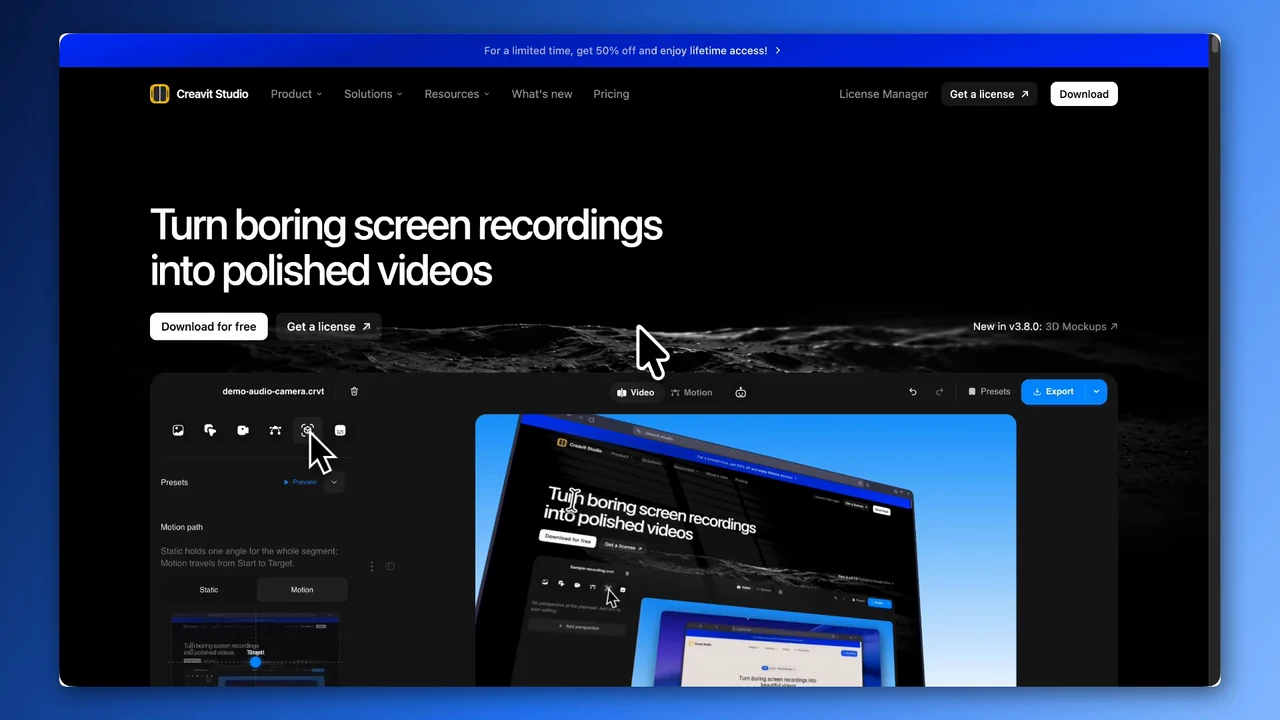
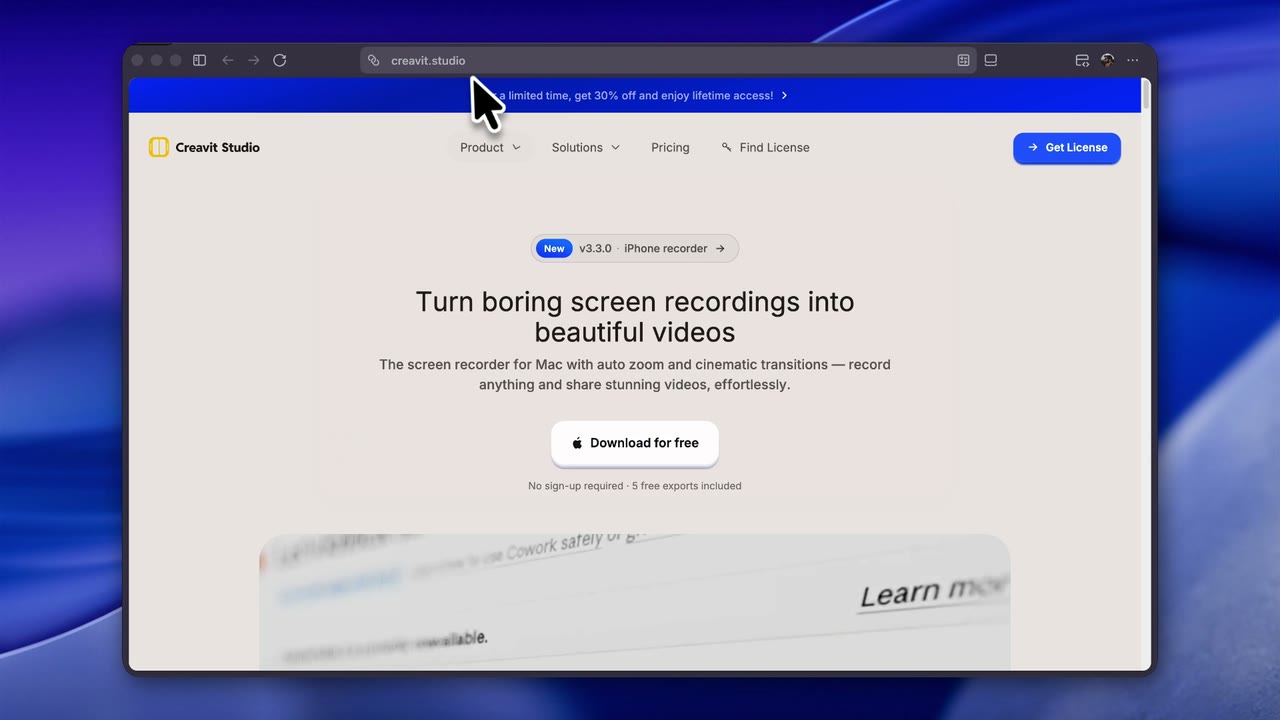
Turn boring screen recordings into beautiful videos

The screen recorder for Mac with auto zoom and cinematic transitions — record anything and share stunning videos, effortlessly.

No sign-up required · 5 free exports included

Create standout videos from every recording

We keep everything as simple as possible, so you can create beautiful content effortlessly.

Add Text to Screen Recordings

Add titles, labels, and notes directly on your video canvas so viewers know exactly where to focus.

Watch the tutorial

Create Cinematic Screen Recording Perspectives

Give flat screen captures more depth with polished framing, perspective, and smooth visual motion.

Watch the tutorial

Record Better Code Walkthrough Videos

Keep technical tutorials readable with focus, overlays, and a visual rhythm that supports the code.

Watch the tutorial

Screen recording controls in your Mac notch

Use Dynamic Island to keep recording status, capture controls, and your screen recorder workflow visible without breaking focus.

AI agent · MCP

Ask for it — the agent records, edits and exports

Creavit Studio ships with an AI agent that drives the real app: it opens windows and websites, records them, then edits and exports the result — the same commands your own clicks trigger.

Record

  • Open Finder and record that window in 16:9
  • Visit creavit.studio and click Find License
  • Record a 20-second walkthrough of my site
  • Record my terminal with system audio off

Edit & export

  • Cut the silent parts and export in 4K
  • Blur the API key at 00:12
  • Zoom in on every click in the terminal
  • Animate a title card in Motion Studio

In the app

Open the Agent column next to Export. It runs the Claude Code or Codex CLI already installed on your Mac.

In your terminal

The same tools over an open MCP server — one command, then your own CLI drives the app.

zsh

$ claude mcp add creavit-studio -- npx -y creavit-studio-mcp

$ npx creavit-studio-mcp --doctor

97 MCP tools defined

Connected to the app

$

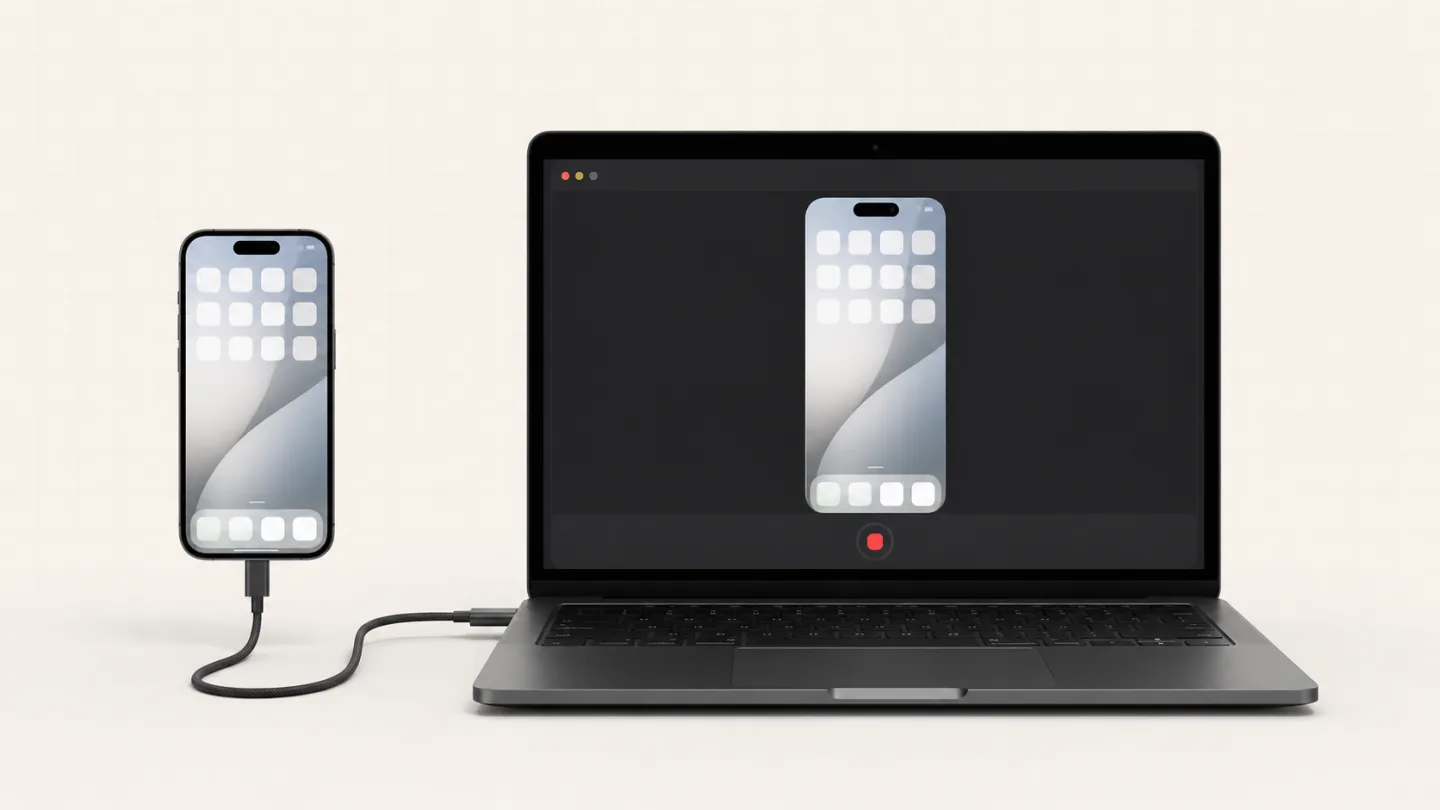
iPhone screen recording, right from your Mac

Record your iPhone in a couple of clicks — no extra app, no setup. Every Creavit Studio effect still applies: 2D and 3D device mockups, perspective effects, zoom and cinematic backgrounds, so app demos and tutorials look finished the moment you stop recording.

Most popular features

Discover the features that are most popular with our users.

Small details that set us apart

Some of our simplest, most-loved features. No learning curve, just thoughtful touches that make every recording nicer.

Teleprompter in the Dynamic Island

Teleprompter in the Dynamic Island

Read your script from a beautiful prompter tucked into the notch, so your eyes stay near the camera while you record.

Motion Studio, Built Right In

Motion Studio, Built Right In

Drop animations you build in Motion Studio straight into your recording project, or import Lottie files. You can even export them as MP4, GIF, or HTML to use on your website.

Project Previews in Finder

Project Previews in Finder

Every project file shows a real preview thumbnail in Finder, so you can spot the right recording without opening a single one.

Fast, Lightweight Exports

Fast, Lightweight Exports

Renders finish quickly and files come out surprisingly small, so your videos are ready to share in seconds and easy to send anywhere.

Layer Control on the Canvas

Layer Control on the Canvas

Bring your camera, screen, or text to the front or send it back with one click, and arrange every scene like a design tool.

Video Clip Masking

Video Clip Masking

Mask any clip into clean shapes and frames to hide what you don't need and keep attention on what matters.

Multi-Row Text Segments

Multi-Row Text Segments

Stack multiple text rows on the timeline and time every title, label, and note independently.

One app, two ways to create

Need an animation? You never have to switch to another app. Creavit Studio Motion makes it easy to build exactly the animation you want — then drop it straight into your screen recordings.

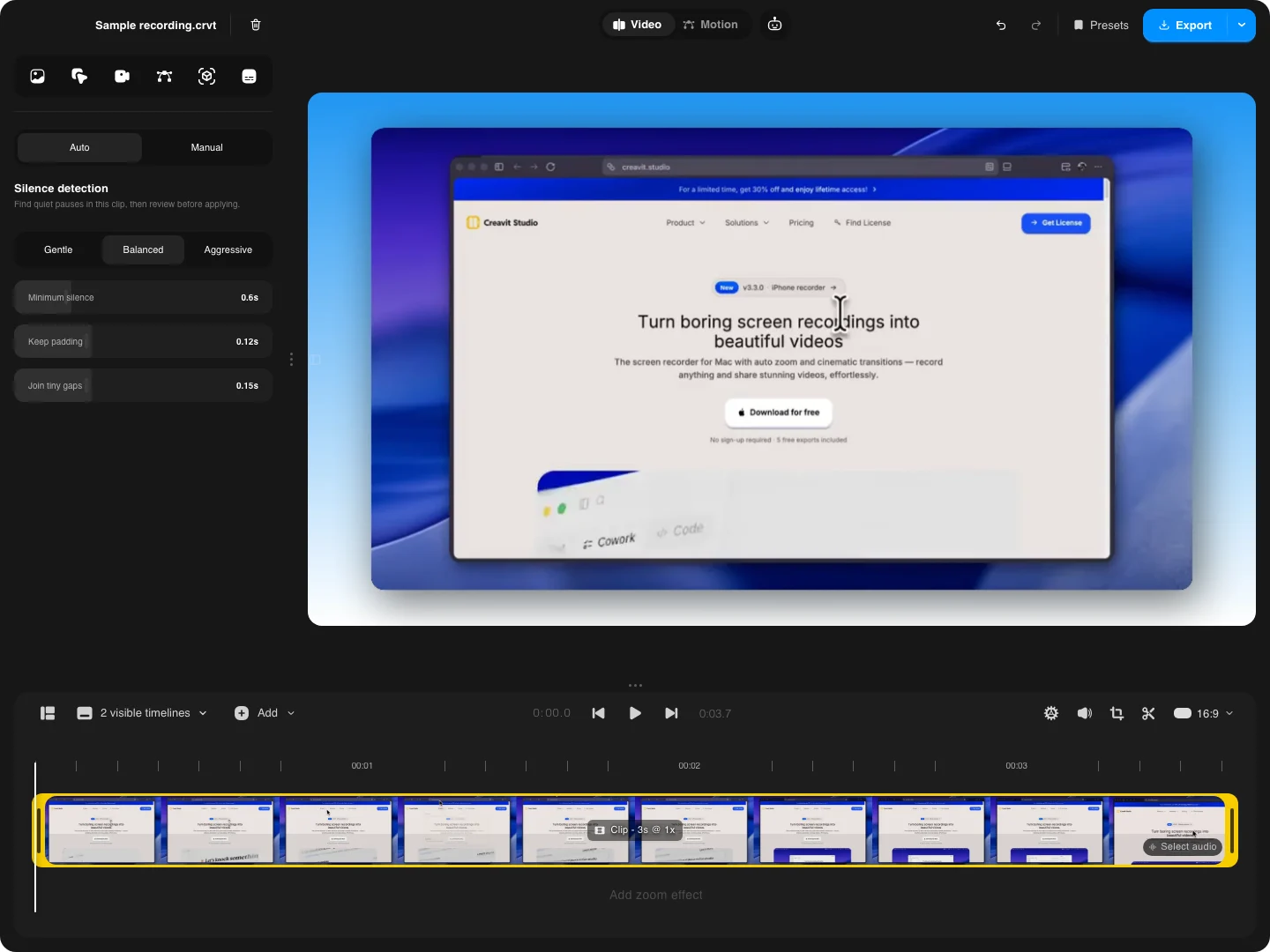
Creavit Studio editor
Creavit Studio Motion Studio

Pricing that fits you

No feature tiers, no per-seat math. Every plan unlocks the whole app — built-in Motion Studio, advanced timeline, full canvas control and cinematic effects — and a single license runs on up to 5 of your Macs. New features keep landing as free updates.

You only choose how you'd rather pay, never which features you get. Lifetime access costs less than a year of most alternatives, and if you'd rather start small, the monthly plan still undercuts the rest. ❤️

Frequently Asked Questions

Everything about pricing, licensing, updates, and system requirements in one place.

Creavit Studio uses native screen recording APIs for high-quality captures with system audio, enables perspective and cinematic clip effects, lets you remove backgrounds from camera video after recording, and combines auto smart zoom, cursor styling, timeline editing, and export—all in one streamlined macOS app. No need for separate tools from capture to polished video.

Yes. The lifetime plan can be used on up to 5 compatible Mac devices tied to the same license.

Yes. You can download the current macOS build today, try the app without signing up, and upgrade when you want export access and the full premium toolset.

Yes. The editor has a built-in Agent panel that runs the Claude Code or Codex CLI already installed on your Mac, and the app ships an open MCP server (creavit-studio-mcp) so Claude Code, Codex, Cursor, or any MCP client can drive it from your terminal. Adding it takes one command (claude mcp add creavit-studio -- npx -y creavit-studio-mcp), then you can ask for zooms, cuts, privacy masks, motion scenes, recordings, or an export. The bridge is local only — 127.0.0.1 with a per-session token — so projects never leave your Mac.

Your recordings stay on your Mac. Creavit Studio does not depend on uploading projects to the cloud to let you record, edit, or export.

The roadmap focuses on deeper editing workflows, more AI-assisted production tools, and broader export and content-format options while keeping the app lean and fast.

Creavit Studio is built for Apple Silicon Macs and the current public build targets recent macOS releases. Check the download page for the latest compatibility details before installing.

If you have an active Paddle billing relationship, you can manage invoices and billing details through the customer portal. Lifetime purchases do not require an ongoing subscription to keep using the app.
Creavit Studio running on a MacBook
Creavit Studio

The most powerful screen recorder for macOS